


 For many small and midsize businesses, Act! CRM has been a trusted customer relationship management platform for years—even decades. It helped organizations organize contacts, track sales activities, and maintain customer relationships long before cloud-based CRMs became the norm.
But as business needs evolve, many Act! users are asking an important question:
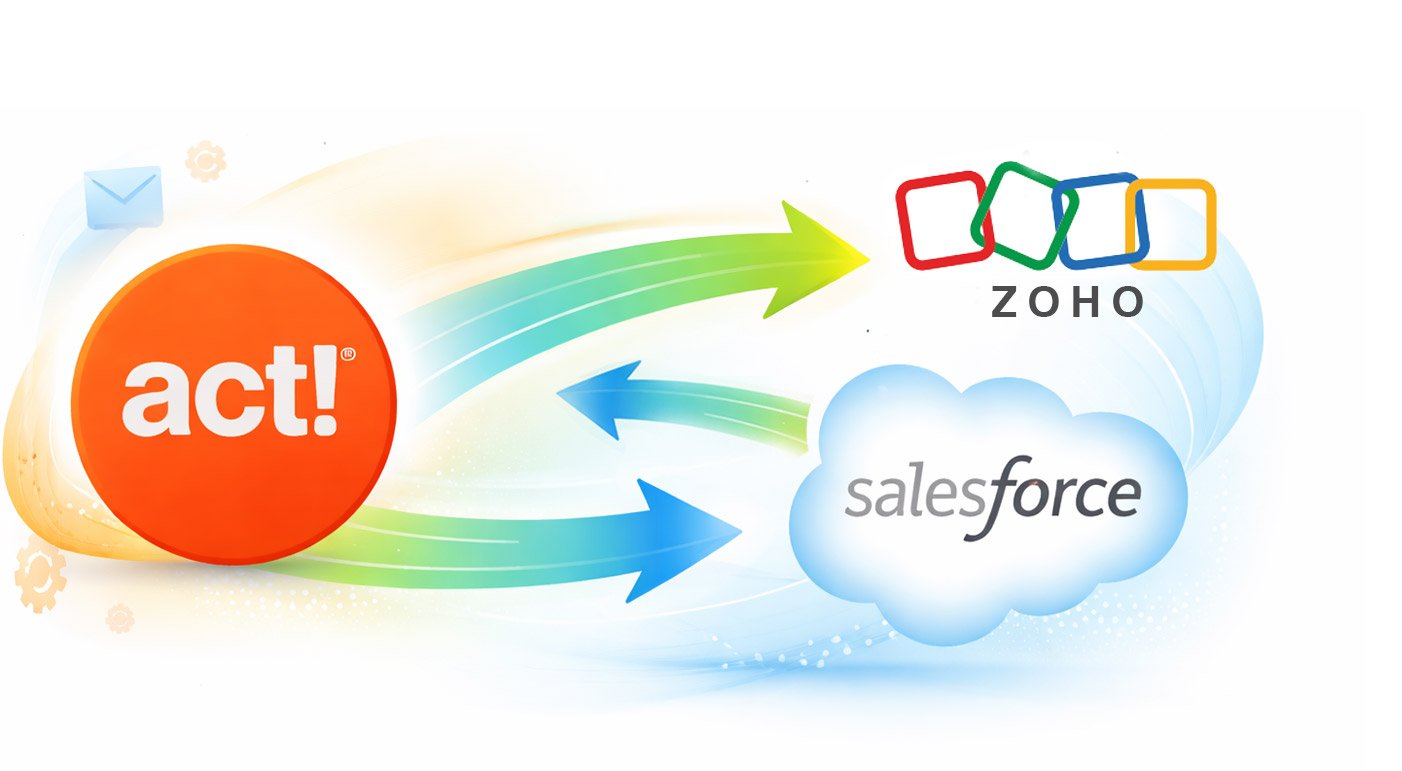
Should we continue investing in Act!, or is it time to migrate to a modern CRM like Zoho?
The answer depends on your business goals, current challenges, and future growth plans. Let’s examine both sides of the decision.
Why Companies Stay on Act!
Despite the rise of newer CRM platforms, Act! still offers several advantages.
1. Familiarity and Established Processes
Many teams have used Act! for years. Employees understand the system, workflows are established, and historical customer data is deeply embedded in the platform.
Migrating to a new CRM requires training, process changes, and temporary productivity losses during the transition.
2. Strong Contact Management
Act! remains a capable contact management system. Businesses focused primarily on relationship tracking, notes, calendars, and sales activities may find that it continues to meet their core requirements.
3. Significant Customization Investments
Over time, many organizations have customized Act! with:
- Custom fields
- Custom reports
- Third-party add-ons
- Industry-specific workflows
Replacing these customizations can be expensive and time-consuming.
4. Migration Costs
CRM migration is not simply exporting contacts and importing them elsewhere.
Organizations must consider:
- Data cleanup
- Historical activity migration
- User training
- Workflow redesign
- Integration rebuilding
For some businesses, staying put may be less disruptive in the short term.
Signs You’ve Outgrown Act!
While Act! still serves many organizations well, there are common indicators that it may no longer be the best fit.
Performance Issues
Many businesses report challenges with:
- Slow database performance
- Synchronization issues
- Multi-user access limitations
- Increasing maintenance requirements
As customer databases grow, these challenges often become more noticeable.
Limited Modern Automation
Today’s CRM users expect automation for:
- Lead nurturing
- Email marketing
- Workflow management
- Customer journeys
- Sales pipeline automation
While Act! supports some automation, it often requires additional tools or customization compared to newer platforms.
Integration Challenges
Modern businesses rely on connected software ecosystems.
If your team frequently asks questions such as:
- How do we connect our CRM to marketing platforms?
- Can we automate data sharing between systems?
- How do we integrate with modern cloud applications?
You may be experiencing one of the most common limitations reported by long-term Act! users.
Remote and Hybrid Work Requirements
Cloud-first platforms are increasingly designed around distributed teams.
If your employees work remotely, travel frequently, or require mobile access, evaluating modern CRM alternatives becomes increasingly important.
Why Zoho CRM Is a Popular Alternative
Zoho CRM is frequently mentioned as a migration destination for businesses leaving Act!.
Lower Total Cost of Ownership
Compared to many enterprise CRM platforms, Zoho generally offers:
- Affordable pricing
- Flexible subscription plans
- Lower implementation costs
- Reduced infrastructure requirements
This makes it attractive for small and midsize businesses.
Extensive Automation Capabilities
Zoho provides built-in tools for:
- Workflow automation
- Lead assignment
- Email sequences
- Approval processes
- Sales forecasting
Many tasks that require manual effort in older systems can be automated.
Strong Integration Ecosystem
Zoho integrates with:
- Email platforms
- Accounting software
- Marketing automation tools
- Customer support systems
- E-commerce platforms
Businesses seeking a more connected technology stack often find this appealing.
Cloud-Native Architecture
Unlike legacy CRM systems that evolved from desktop environments, Zoho was built for cloud-based operations.
Benefits include:
- Remote accessibility
- Automatic updates
- Reduced IT maintenance
- Better scalability
Broader Business Platform
One of Zoho’s biggest advantages is access to the broader Zoho ecosystem.
Organizations can expand into:
- Marketing automation
- Customer support
- Project management
- Accounting
- Analytics
- HR management
without introducing multiple vendors.
Questions to Ask Before Migrating
Before making a decision, leadership teams should evaluate the following:
1. What Problems Are We Actually Trying to Solve?
Many CRM frustrations stem from process issues rather than software limitations.
Ask:
- Are users following the process?
- Is our data clean?
- Are workflows clearly defined?
- Is management using CRM insights effectively?
A new CRM will not automatically fix broken processes.
2. How Much of Act! Are We Actually Using?
Many organizations discover they use only a fraction of their CRM’s capabilities.
Conduct an audit of:
- Active users
- Features used regularly
- Integrations
- Reports
- Automations
This helps determine whether migration is truly necessary.
3. What Will Migration Really Cost?
Beyond software licensing, include:
- Consulting
- Data migration
- Training
- Productivity disruption
- Custom development
The cheapest subscription price is not always the lowest overall cost.
4. What Will We Need in Three to Five Years?
Avoid choosing a CRM solely based on today’s requirements.
Consider future needs such as:
- Team growth
- Marketing automation
- Customer support integration
- Advanced reporting
- AI-powered capabilities
The best CRM is often the one that supports future growth, not just current operations.
When Staying on Act! Makes Sense
Remaining on Act! may be the right decision if:
- Your users are productive and satisfied
- Performance remains acceptable
- Integrations meet your needs
- Customizations are business-critical
- Growth requirements are modest
In these cases, optimizing existing processes may provide greater value than migrating.
When Moving to Zoho Makes Sense
Migration becomes more compelling when:
- Performance issues are impacting productivity
- Users demand modern automation
- Integration requirements are expanding
- Remote work is a priority
- Growth plans require greater scalability
- CRM maintenance costs continue to rise
For many organizations, Zoho represents a practical middle ground—more modern than Act! without the complexity and cost often associated with enterprise CRM platforms.
Final Thoughts
The decision between staying on Act! and migrating to Zoho is ultimately a business decision, not just a technology decision.
If Act! continues to support your processes efficiently, there may be little reason to change. However, if your team is increasingly frustrated by limitations, integration challenges, or scalability concerns, the cost of staying may eventually exceed the cost of migrating.
Before making a move, perform a detailed CRM assessment, document your requirements, and compare the total cost of ownership over the next three to five years.
The goal is not simply to replace software—it is to create a CRM environment that supports growth, improves productivity, and delivers better customer experiences.
Need help in accessing your current Act database and converting it to a newer CRM platform? Reach out to the CRM Experts at Tech Benders!
Leave a Reply