



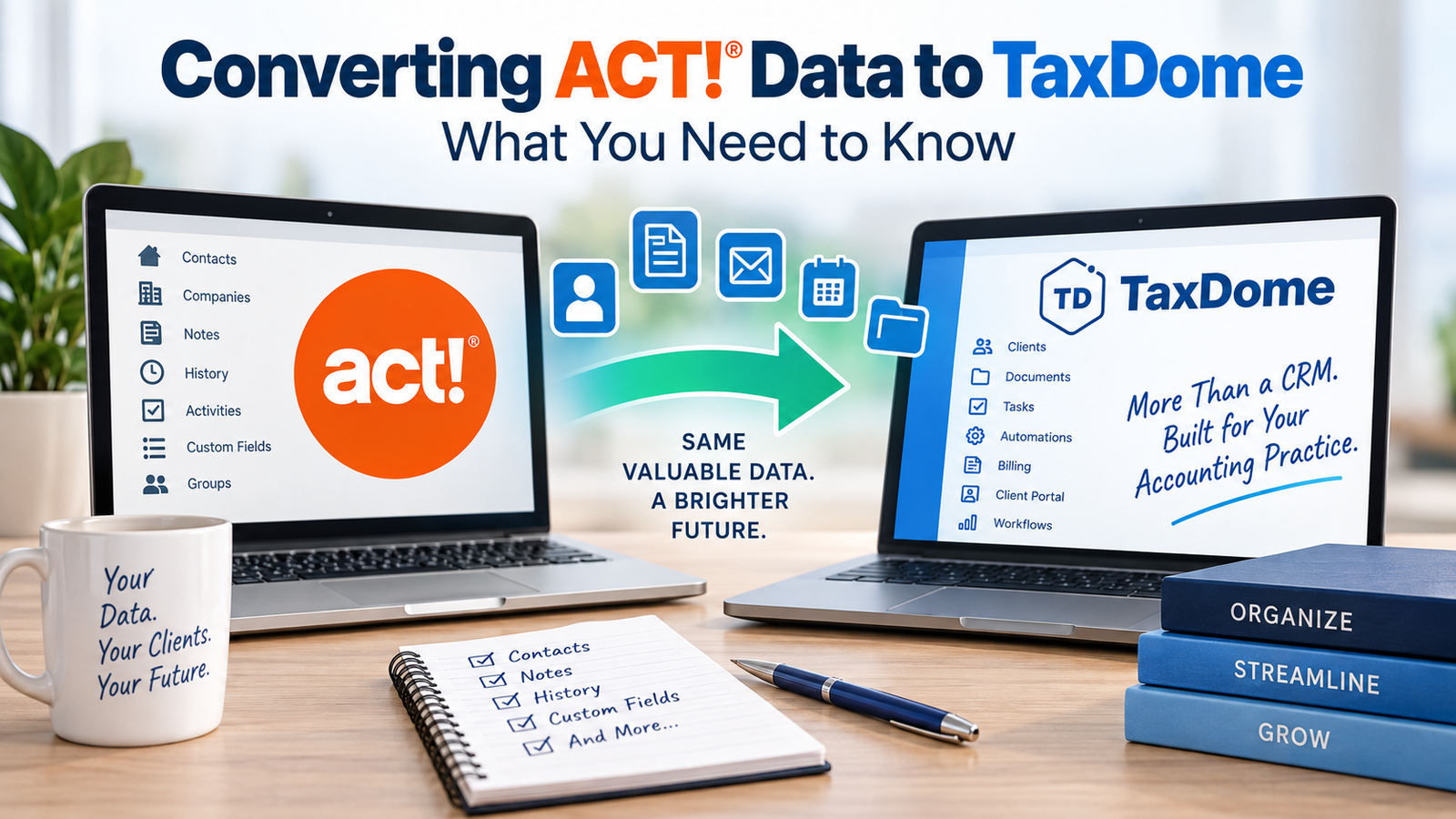
 If your accounting or tax practice has been using ACT! for years, your database probably contains much more than names, addresses, and phone numbers.
It may contain years of client history, notes, activities, custom fields, relationships, documents, and other information that your firm relies on every day.
So when you’re ready to move from ACT! to TaxDome, the biggest question isn’t simply:
“How do I export my ACT! data?”
The real question is:
“How do I move my valuable ACT! information into TaxDome without losing the history and relationships I depend on?”
That’s where a carefully planned data conversion becomes essential.
Why Move from ACT! to TaxDome?
ACT! has been a popular CRM for decades, particularly among businesses that have built large databases and customized them over many years.
TaxDome, on the other hand, is designed specifically for accounting, tax, and bookkeeping practices. It combines CRM functionality with client management, document management, workflow automation, billing, client portals, and other tools designed around the accounting firm’s workflow.
For a tax or accounting practice, moving to TaxDome can provide a more integrated environment for managing clients and their work.
But there’s a catch.
Your ACT! database wasn’t designed specifically for TaxDome.
The two systems organize information differently, which means a simple export and import may not produce the results you expect.
ACT! Data Doesn’t Always Map Directly to TaxDome
One of the biggest challenges in an ACT! to TaxDome conversion is determining where each piece of information belongs.
For example, an ACT! database might contain:
- Contacts
- Companies
- Custom fields
- Notes
- History
- Activities
- Groups
- Opportunities
- Relationships
- Addresses
- Phone numbers
- Email addresses
- User-defined fields
TaxDome uses its own structure for clients, contacts, custom fields, organizers, documents, tasks, workflows, and other information.
That means your conversion needs to begin with data mapping.
Before anything is imported, someone needs to determine:
ACT! field → TaxDome field
This sounds simple until you encounter a database that has been customized over 10, 15, or even 20 years.
What Happens to Your ACT! Custom Fields?
Custom fields are often one of the most important parts of an ACT! database.
Over the years, your firm may have created fields for information such as:
- Tax entity type
- Tax return status
- Client classification
- Spouse information
- Referral source
- Tax deadlines
- Client preferences
- Industry
- Billing information
- Internal notes
Those fields don’t necessarily have an obvious destination in TaxDome.
A conversion specialist should review your custom fields and determine which ones should be:
- Imported directly into TaxDome
- Converted into TaxDome custom fields
- Combined with another field
- Reorganized
- Archived rather than imported
You don’t want to bring years of unnecessary clutter into your new system.
At the same time, you don’t want to discover six months after your conversion that an important piece of client information was left behind.
What About ACT! Notes and History?
This is another area where ACT! conversions can become complicated.
ACT! users frequently rely on Notes and History to maintain a record of their relationship with a client.
A database may contain years of:
- Telephone calls
- Emails
- Meetings
- Follow-ups
- Notes
- Client interactions
- Historical information
That information can be extremely valuable.
Unfortunately, it isn’t possible to simply export everything from ACT! and drop it into TaxDome. You existing “table” of Notes won’t be able to fit into the single “Note” field that TaxDome provides.
Don’t Forget Duplicate Records
Large ACT! databases frequently contain duplicate contacts.
Sometimes the duplicates are obvious. Other times they’re not.
For example, you might have:
John Smith
John A. Smith
Smith, John
All three could be the same person.
There may also be duplicate companies, outdated email addresses, old phone numbers, or multiple records for spouses and business entities.
Moving all of those records directly into TaxDome can simply transfer the problem from one system to another.
A conversion is an opportunity to clean up your data before it enters TaxDome.
Data Cleanup Should Happen Before the Conversion
One of the biggest mistakes companies make when changing CRM systems is assuming that the new software will fix their old database.
It won’t.
If your ACT! database contains bad data, TaxDome will receive bad data.
Before the migration, consider reviewing:
- Duplicate contacts
- Incomplete addresses
- Invalid email addresses
- Outdated phone numbers
- Unused custom fields
- Old contacts
- Inactive clients
- Incorrect company relationships
- Obsolete groups and categories
The goal isn’t necessarily to make every ACT! record perfect.
The goal is to make sure that the information you’re bringing into TaxDome is accurate, useful, and organized.
ACT! to TaxDome Is More Than an Export and Import
This is the most important point to understand.
A successful ACT! to TaxDome conversion isn’t simply:
Export → Import → Done
A better process looks like this:
1. Analyze the ACT! database
Determine what information actually exists in the database and how it is being used.
2. Identify the information that needs to be migrated
Not everything in a 15-year-old database necessarily belongs in your new system.
3. Clean the data
Remove duplicates and address obvious data-quality problems.
4. Map the fields
Determine exactly where ACT! information should go in TaxDome.
5. Test the conversion
Perform a test conversion before moving the entire database.
6. Verify the results
Compare the converted TaxDome data with the original ACT! database.
7. Perform the final conversion
Once the data has been tested and approved, complete the production migration.
What About Your ACT! Database After the Move?
Don’t immediately delete your ACT! database after moving to TaxDome.
Your ACT! database is an important historical record, and you may need information from it later.
Instead, consider keeping a secure copy of the original database.
Depending on your circumstances, you may also want to maintain access to ACT! for historical reference for a period of time after the conversion.
Can Tech Benders Convert ACT! Data to TaxDome?
Yes. Tech Benders specializes in ACT! database conversions and data migration.
We’ve worked with ACT! databases that contain years of customized information, complicated relationships, historical records, and thousands of contacts.
Our approach is to look at your ACT! database first, determine what you actually need to move, map the data to the new system, and test the conversion before your final migration.
The objective isn’t simply to get your data out of ACT!.
It’s to make sure your data is usable when it gets to TaxDome.
Ready to Leave ACT!?
Moving from ACT! doesn’t have to mean starting over.
Your database represents years of information about your clients and your business. With the right conversion strategy, you can preserve the information that matters while taking the opportunity to clean up and reorganize your data for your new system.
If you’re considering moving from ACT! to TaxDome, don’t start by exporting your database. Start by understanding your data.
Tech Benders can help you evaluate your ACT! database and determine the best approach for converting your data to TaxDome.
Contact Tech Benders to discuss your ACT! to TaxDome conversion.
Leave a Reply