



 How to Convert Your ACT! Database to GoHighLevel
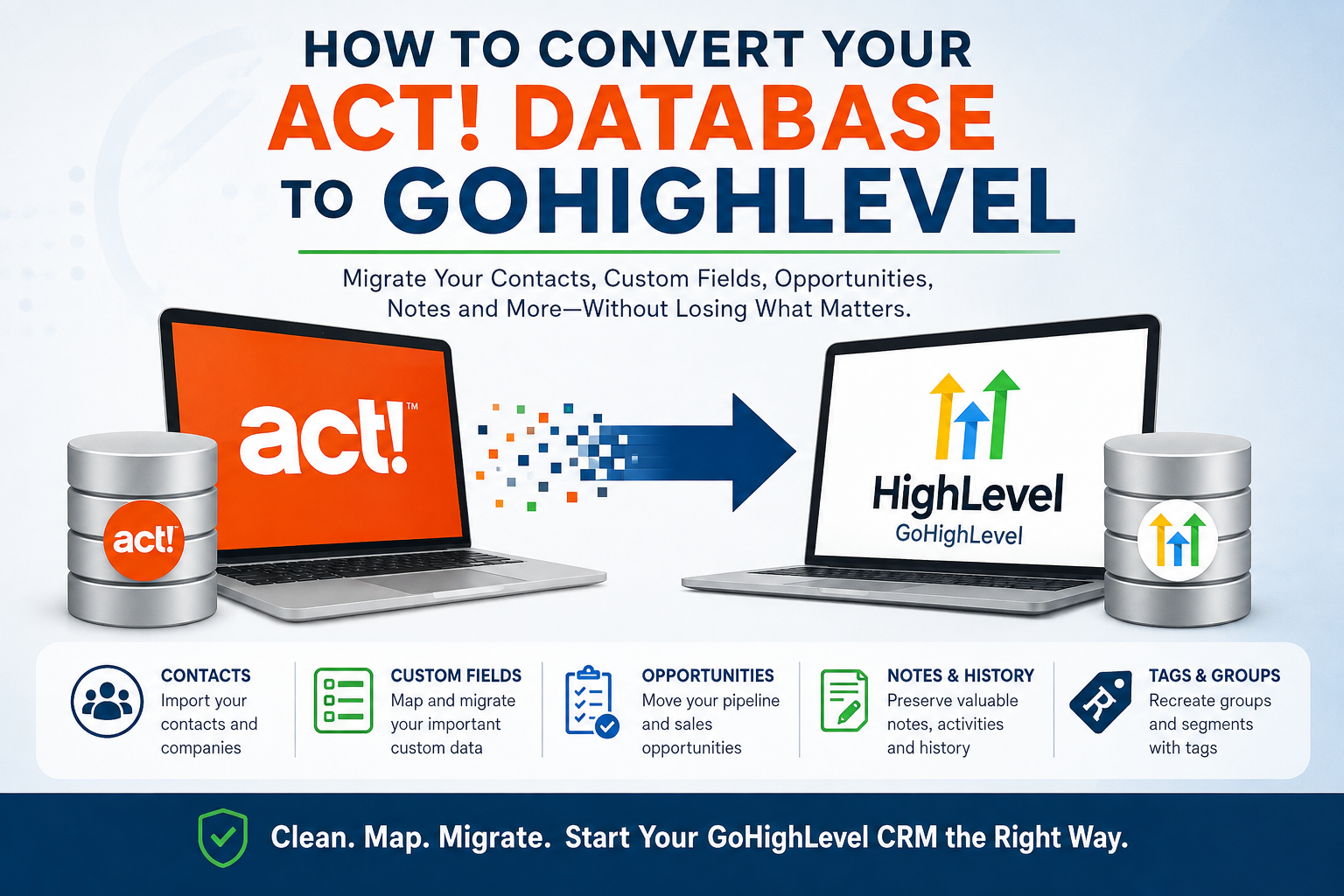
Trying to move from ACT! to GoHighLevel? If you’ve spent years building your ACT! database, you probably have much more than a list of names and email addresses. Your database may contain custom fields, notes, activities, groups, opportunities, sales history, and other information that’s important to your business.
The good news is that you can migrate ACT! data to GoHighLevel (HighLevel). The challenge is doing it without losing important information or creating a mess in your new CRM.
An ACT! to GoHighLevel migration is more than exporting your contacts to a spreadsheet and importing them into GoHighLevel. ACT! and GoHighLevel structure information differently, so your data needs to be extracted, cleaned, mapped, and prepared before it is imported.
If you’re wondering how to convert an ACT! database to GoHighLevel, here’s what you need to know.
Can You Convert an ACT! Database to GoHighLevel?
Yes—but there isn’t a simple “convert database” button.
GoHighLevel does not provide a native ACT! database import. Instead, ACT! information generally needs to be exported and transformed into a format that GoHighLevel can import, most commonly CSV files.
A basic ACT! to GoHighLevel conversion typically involves:
- Analyzing the ACT! database
- Determining which data should be migrated
- Extracting the ACT! data
- Cleaning and organizing the data
- Creating the appropriate fields in GoHighLevel
- Mapping ACT! fields to GoHighLevel fields
- Preparing contacts and opportunities for import
- Importing the data
- Testing and verifying the results
- Recreating important workflows and business processes
The more customized your ACT! database is, the more important this preparation becomes.
What ACT! Data Can Be Migrated to GoHighLevel?
The answer depends on how your ACT! database has been configured and what information you want to retain.
Common ACT! information includes:
- Contacts
- Companies
- Phone numbers
- Email addresses
- Mailing addresses
- Custom fields
- Groups
- Notes
- Activities
- Opportunities
- Sales information
- Contact status
- Lead source
- Customer information
- Historical information
Some of this information can map directly to GoHighLevel fields. Other information may need to be converted into custom fields, tags, notes, opportunities, or another GoHighLevel structure.
This is one reason an ACT CRM migration to GoHighLevel should start with a database analysis rather than immediately exporting everything.
Step 1: Analyze Your ACT! Database
Before beginning your ACT! migration, determine exactly what is in your database.
This is particularly important if you’ve been using ACT! for many years.
An ACT! database can contain hundreds of fields and thousands of records, including information that you may have forgotten was there.
Look at:
Standard ACT! fields
These may include:
- First Name
- Last Name
- Company
- Address
- Phone
- Website
- Title
- Department
Custom fields
Custom fields often contain some of the most important information in an ACT! database.
For example:
- Customer Type
- Industry
- Lead Source
- Account Number
- Sales Rep
- Customer Since
- Renewal Date
- Territory
- Product Interest
These fields don’t necessarily have direct equivalents in GoHighLevel.
They may need to become custom fields in GoHighLevel.
Groups
ACT! groups are another important consideration.
You may use groups to identify:
- Customers
- Prospects
- Vendors
- Leads
- Geographic regions
- Marketing lists
- Industry segments
Those groups may need to be recreated using GoHighLevel tags, custom fields, lists, or other segmentation methods.
Notes and history
This is where an ACT! database migration can become much more complicated.
Many ACT! users have years of notes, calls, meetings, emails, and other historical information associated with their contacts.
A simple contact export may not preserve that history in the way you expect.
Before starting your ACT! to HighLevel migration, determine which historical information is important and how it should be represented in GoHighLevel.
Step 2: Decide What Data Should Be Migrated
Don’t automatically move everything.
An ACT! database that’s been used for 10, 15, or even 20 years may contain a tremendous amount of outdated information.
You may have:
- Duplicate contacts
- Former customers
- Old prospects
- Invalid email addresses
- Outdated phone numbers
- Obsolete custom fields
- Old groups
- Years of unnecessary activities
Moving all of that information into GoHighLevel simply transfers the clutter from one CRM to another.
A migration is an excellent opportunity to ask:
“What information do I actually need in my new CRM?”
You may decide to migrate active customers and prospects while archiving older records.
Step 3: Clean Your ACT! Data
Once you’ve determined what should be migrated, clean the data before importing it.
Look for:
- Duplicate records
- Missing names
- Invalid email addresses
- Incorrect phone numbers
- Inconsistent state abbreviations
- Inconsistent capitalization
- Outdated records
- Blank records
- Unused fields
- Obsolete groups
You should also standardize information wherever possible.
For example, if one record says “Customer,” another says “customer,” and another says “CUSTOMER,” standardizing those values before the migration will make your new database easier to manage.
Don’t clean the database after you import it.
It’s almost always easier to clean and organize your data before it goes into GoHighLevel.
Step 4: Design Your GoHighLevel Database
Before you import your ACT! data, determine how you want your new GoHighLevel CRM to work.
This is an important distinction.
You’re not simply copying ACT!.
You’re building your new CRM.
Determine:
- Which standard fields you’ll use
- Which custom fields you need
- Which tags you’ll create
- How contacts will be categorized
- What pipelines you’ll need
- What opportunity stages you’ll use
- Which users should own records
- How leads should be assigned
GoHighLevel allows custom fields to be created for information that doesn’t fit its standard fields.
Those fields should be created before importing the corresponding ACT! information.
Step 5: Map ACT! Fields to GoHighLevel
Field mapping is one of the most important parts of an ACT! database migration to GoHighLevel.
For example:
| ACT! Field | GoHighLevel |
|---|---|
| First Name | First Name |
| Last Name | Last Name |
| Company | Company |
| Business Phone | Phone |
| Email Address | |
| Lead Source | Lead Source |
| Customer Type | Custom Field |
| Customer Since | Custom Field |
| Territory | Custom Field |
| ACT! Group | Tag or other segmentation |
The goal isn’t necessarily to make the two databases identical.
The goal is to make sure that the information in ACT! ends up in the correct place in GoHighLevel.
This is where an experienced ACT! migration specialist can make a significant difference.
Step 6: Export Your ACT! Data
Once you’ve established your data requirements and GoHighLevel structure, export the appropriate information from ACT!.
Depending on the complexity of your database, you may need multiple exports.
The goal is not simply to create a CSV file.
The goal is to create a clean, structured, migration-ready data set.
This distinction is important.
A spreadsheet full of ACT! information isn’t necessarily ready to import into GoHighLevel.
It may still contain:
- Duplicate records
- Incorrect formatting
- Unmapped fields
- Unwanted data
- Inconsistent values
- Information that doesn’t have a destination in GoHighLevel
Step 7: Import Your Contacts Into GoHighLevel
After your data has been cleaned and mapped, it can be imported into GoHighLevel.
GoHighLevel supports contact imports through CSV files and allows users to map CSV columns to standard and custom fields.
You can also use tags and other import options to organize your contacts.
Do not make your first import your entire database.
Instead, start with a small test group.
For example, import 50–100 records and verify:
- Names
- Companies
- Phone numbers
- Email addresses
- Custom fields
- Tags
- Contact ownership
- Other important information
If something is mapped incorrectly, fix it before importing the rest of your database.
What About ACT! Opportunities?
If you use ACT! opportunities to track your sales pipeline, those records need to be addressed separately.
GoHighLevel supports opportunity imports through CSV files.
You’ll need to determine how your ACT! opportunity stages correspond to your new GoHighLevel pipeline.
For example:
ACT!
New → Qualified → Proposal → Negotiation → Closed
could become:
GoHighLevel
New Lead → Qualified → Proposal Sent → Negotiation → Won/Lost
The stages don’t need to have the same names.
The important thing is that the GoHighLevel pipeline reflects the way your business actually sells.
What About ACT! Notes and History?
This is one of the most frequently overlooked parts of an ACT! to GoHighLevel migration.
Your ACT! database may contain years of valuable information attached to individual contacts.
For example:
- Phone call history
- Meeting history
- Notes
- Follow-up information
- Customer interactions
- Historical activities
A basic contact CSV isn’t necessarily enough to reproduce this information in GoHighLevel.
Before migrating, decide:
- Which history needs to be retained?
- Which notes are important?
- How should historical information be organized?
- Should older information be archived?
- What information needs to remain attached to the contact?
There may not be a perfect one-to-one conversion between ACT! and GoHighLevel.
The appropriate solution depends on the type and volume of historical data in your ACT! database.
Don’t Forget Your ACT! Workflows
Your ACT! database isn’t just data.
It may support the way your business operates.
For example:
- New leads are assigned to salespeople.
- Customers receive follow-up calls.
- Prospects are contacted after a certain period.
- Opportunities move through specific stages.
- Salespeople receive reminders.
- Customers receive marketing communications.
Those processes need to be considered as part of the migration.
Moving your database without recreating the processes surrounding it can leave you with a clean new CRM that doesn’t actually work the way your business needs it to.
GoHighLevel’s automation capabilities can provide an opportunity to improve these processes rather than simply recreate every ACT! process exactly as it existed.
Test Your ACT! to GoHighLevel Migration
Before shutting down ACT!, thoroughly test your new GoHighLevel database.
Check:
- Contact records
- Custom fields
- Tags
- Companies
- Opportunities
- Pipelines
- Notes
- Historical information
- User assignments
- Automations
Compare a sample of records between ACT! and GoHighLevel.
Make sure important information has been transferred correctly.
And don’t delete or alter your original ACT! database until you’re confident that the migration is complete.
How Long Does an ACT! to GoHighLevel Migration Take?
There isn’t a single answer.
A small ACT! database containing basic contact information may be relatively straightforward.
A more complicated database with thousands of contacts, hundreds of custom fields, opportunities, notes, history, and years of accumulated information can require considerably more work.
The number of contacts isn’t necessarily the biggest factor.
Database complexity is often more important than database size.
A 20,000-contact database with five simple fields may be easier to migrate than a 5,000-contact database containing extensive customizations and historical information.
Can I Convert ACT! to GoHighLevel Myself?
If you have a small ACT! database with basic contact information, you may be able to perform a simple migration yourself.
However, if your database contains years of valuable information, custom fields, notes, activities, opportunities, or complex relationships, professional assistance can save significant time and reduce the risk of data loss.
The biggest danger isn’t necessarily failing to import your data.
It’s successfully importing the wrong data into the wrong fields.
Once thousands of records have been imported incorrectly, correcting the problem can be much more difficult than preparing the data correctly in the first place.
ACT! to GoHighLevel Migration Services
If you’re considering moving from ACT! to GoHighLevel, the first step shouldn’t be exporting your database.
It should be understanding what you have, what you need, and how that information should work in your new CRM.
At Tech Benders, we’ve worked with ACT! databases for more than 20 years and have helped businesses extract, clean, repair, and migrate ACT! data to other CRM platforms.
An ACT! migration isn’t just about moving names and email addresses.
It’s about preserving the information that matters while creating a cleaner, more useful CRM for the future.
If you’re ready to convert your ACT! database to GoHighLevel, Tech Benders can help you evaluate your database, determine what should be migrated, map your data, and prepare it for your new CRM.
[Contact Tech Benders to discuss your ACT! to GoHighLevel migration.]
Frequently Asked Questions About ACT! to GoHighLevel Migration
Can ACT! be imported directly into GoHighLevel?
No. GoHighLevel does not offer a native ACT! database import. ACT! data generally needs to be exported and prepared for import using supported formats such as CSV.
Can I migrate ACT! custom fields to GoHighLevel?
Yes. ACT! custom fields can generally be mapped to GoHighLevel custom fields. The appropriate custom fields should be created in GoHighLevel before importing the data.
Can I migrate ACT! opportunities to GoHighLevel?
Yes. ACT! opportunity information can be prepared for import into GoHighLevel, but the ACT! opportunity stages and fields need to be mapped to the appropriate GoHighLevel pipeline structure.
Can I migrate ACT! notes and history?
Potentially, but notes and historical activities require more planning than a basic contact import. Depending on the information involved, additional extraction and transformation may be necessary.
Should I clean my ACT! database before migrating?
Yes. Cleaning your ACT! database before migration can eliminate duplicate, obsolete, and unnecessary information and give you a much cleaner starting point in GoHighLevel.
Should I migrate everything from ACT! to GoHighLevel?
Not necessarily. A migration is a good opportunity to determine which information is still valuable to your business and which records can be archived or eliminated.
Is ACT! to GoHighLevel the same as ACT! to HighLevel?
Yes. GoHighLevel is commonly referred to as HighLevel, so searches for “ACT! to HighLevel” and “ACT! to GoHighLevel” generally refer to the same CRM platform.
Ready to Move From ACT! to GoHighLevel?
Your ACT! database represents years of customer information and business history. Don’t treat the migration as a simple spreadsheet import.
Plan the conversion carefully, preserve the information that matters, and start your GoHighLevel CRM with clean, organized data.
If you’re ready to make the move, Tech Benders can help you convert your ACT! database to GoHighLevel.
Leave a Reply